Semi-Pro Tip: Mouse-spin in Parallels
I grew up using, breaking, fixing and building PCs until about 2010 when I made the change and bought my first MacBook Pro. Like most Mac users, I have come to despise the experience of using Windows, but sometimes it's unavoidable, as it currently is for me. I'm using Windows 8.1 in a Boot Camp partition on my 13" MBP, but booting in and out is a pain, especially as a few key features (like audio, and a second display) won't work properly in native mode.

After a lot of fruitless tinkering and digging around – Jesus, Windows, I don't miss that – I bit the bullet and picked up Parallels. I've beefed up my laptop's RAM to 16GB so it can handle virtualisation really well, and almost everything works perfectly. One of the few annoying things about Parallels is a known issue with 3D applications, especially games. It's dubbed "mouse-spin" and manifests as an exponentially sensitive mouse when you're trying to use a mouselook application. Better and smarter users than I have been chasing and working on this problem for years but it seems to be intermittently present and almost impossible to fix when it's there. Unfortunately for me, it was there in all of my 3D Windows-only games on my system. It's not a deal-breaker, I'm using Parallels so I can use DirectX and Visual Studio, but it's an annoying wrinkle.
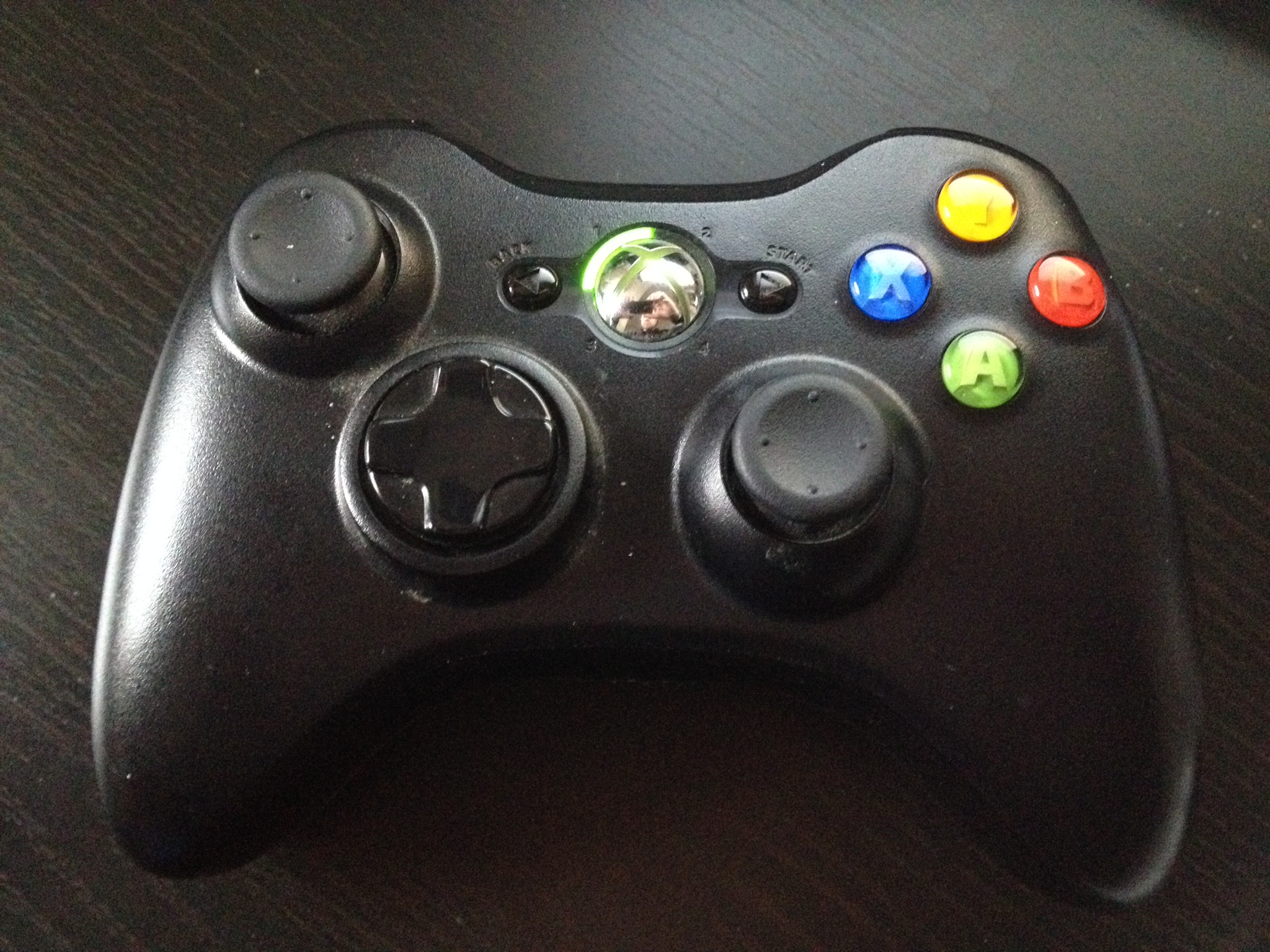
After trying all of the fixes out there and a few I came up with myself, I had given up, until recently. It turns out that there's a very simple and elegant fix workaround for the issue. All you need is one of these:
...and if it's wireless, one of these:
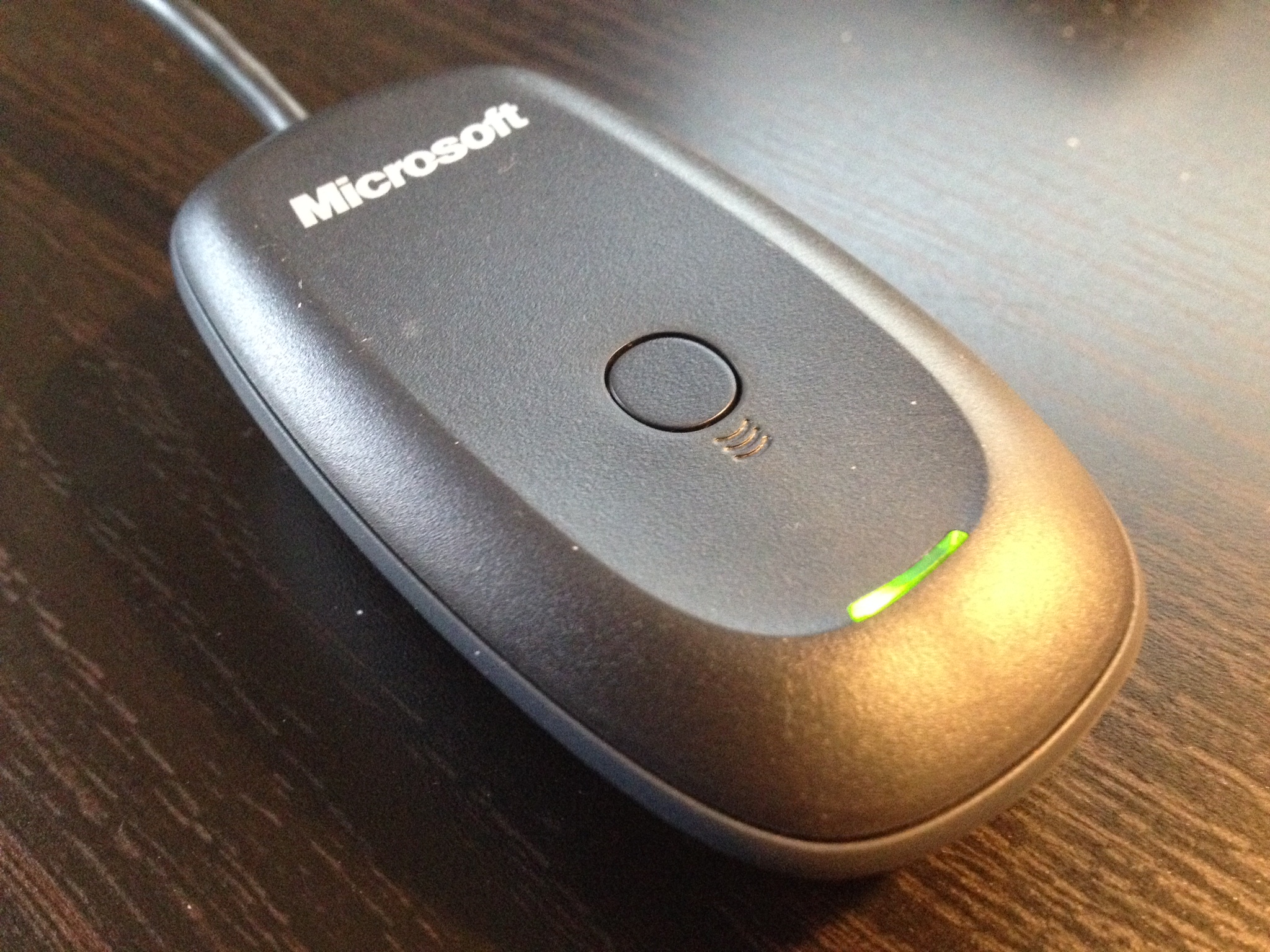
Windows 8.x will support the controller and the receiver natively, but you can download the windows drivers from here (wired) or here (wireless) if you're on an earlier version of Windows. You can pick up the dongle from here.
The installation is fairly straightforward, and once you're set up you'll be able to play those games in Windows on your Mac to your heart's content.
N.B. The games always take a really long time to settle down and become responsive, I'm guessing it has something to do with how the virtualisation affects the buffer's swap chain, but given about thirty seconds they will suddenly become totally fine.