Streaming, Remote Management & Steam OS Settings
NICE. New features start to show up, hidden in the newest Steam beta. Read on, folks...
Looks like Valve weren't just pretending with all of that livingroom stuff, elements of the features they've discussed have started showing up in the latest Steam beta.
The Steam Database have posted instructions on how to get access to the streaming features:
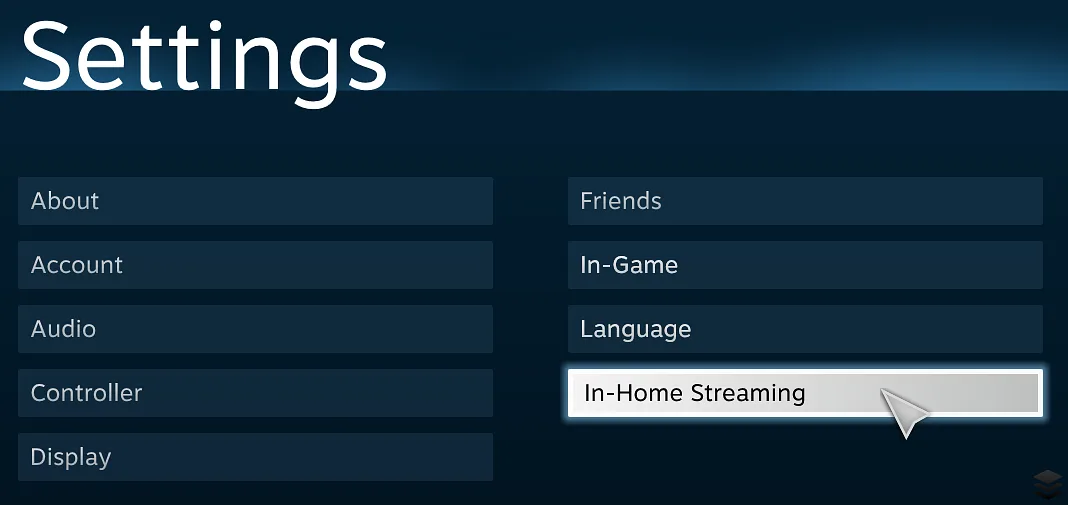
Technical stuff on how to get to the streaming menu
To get to the In-Home Streaming settings, you need to edit a layout file for Big Picture. This is unrecommended and Valve probably frowns upon doing this but it's the only way at the moment.
Make sure Steam is running. Open up your Steam folder, go to tenfoot/resource/layout/settings and open settings.xml.
Find a setting that's available for you. VoiceSettingsButton for example.
Change the onactivate property to "ShowSettings( RemoteClients );".
Now go into Big Picture and open up the Settings menu. Click the menu button you changed and voila! A menu.
They also posted some screenshots of what a remote-install and streaming request screen look like:
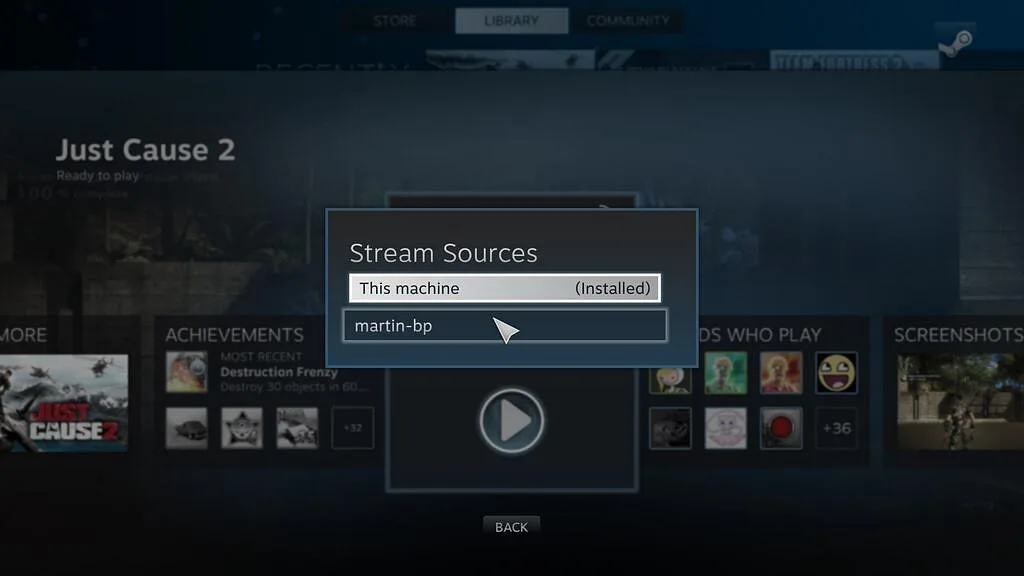
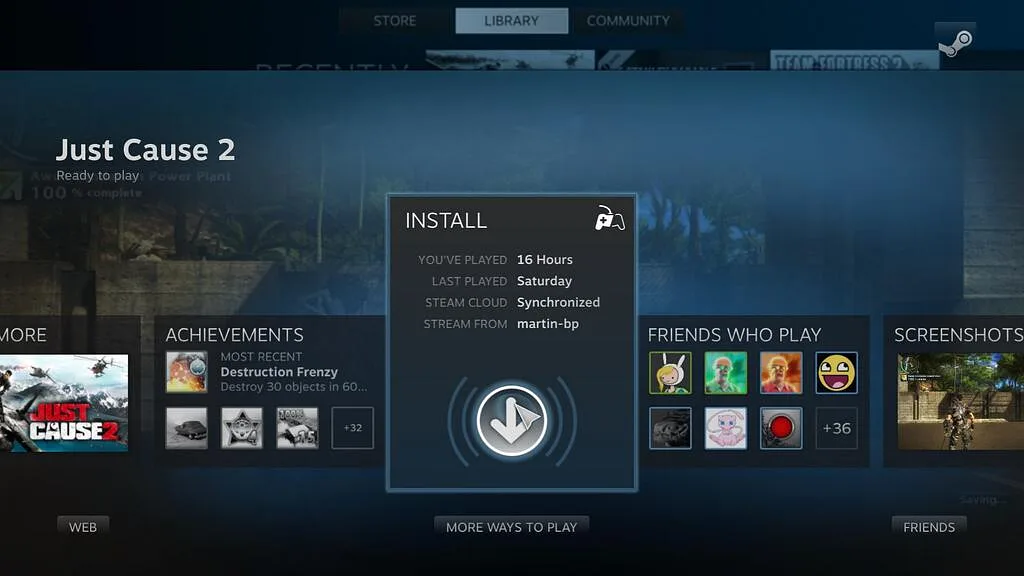
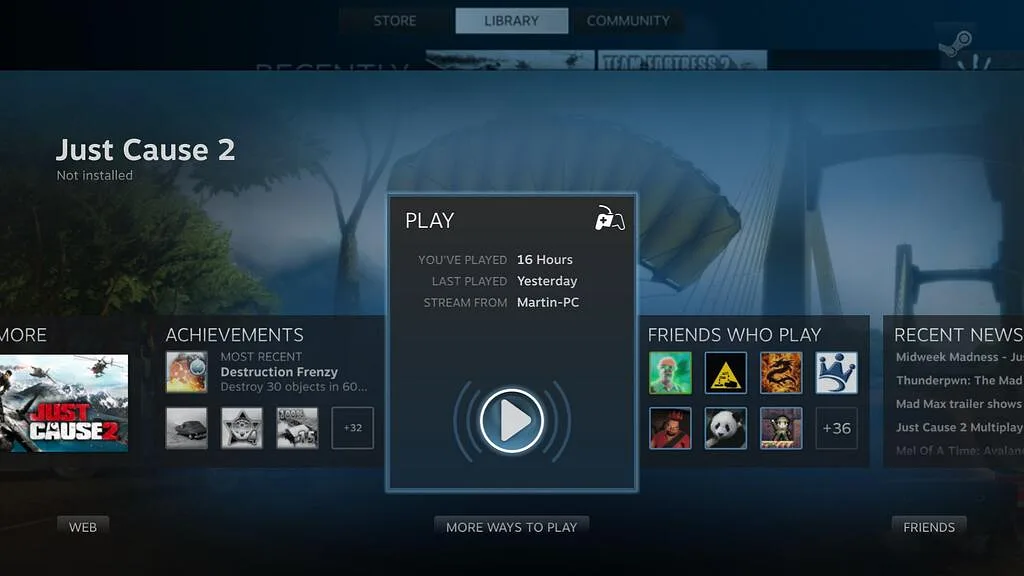
Apparently there're also some Steam OS settings buried deep.
Source: Steam Database